Starting without an account
You can get started on mappertool.com without registering. Drop your photos into the dropzone on the home page and see whether the dataset is usable, before you commit to anything.
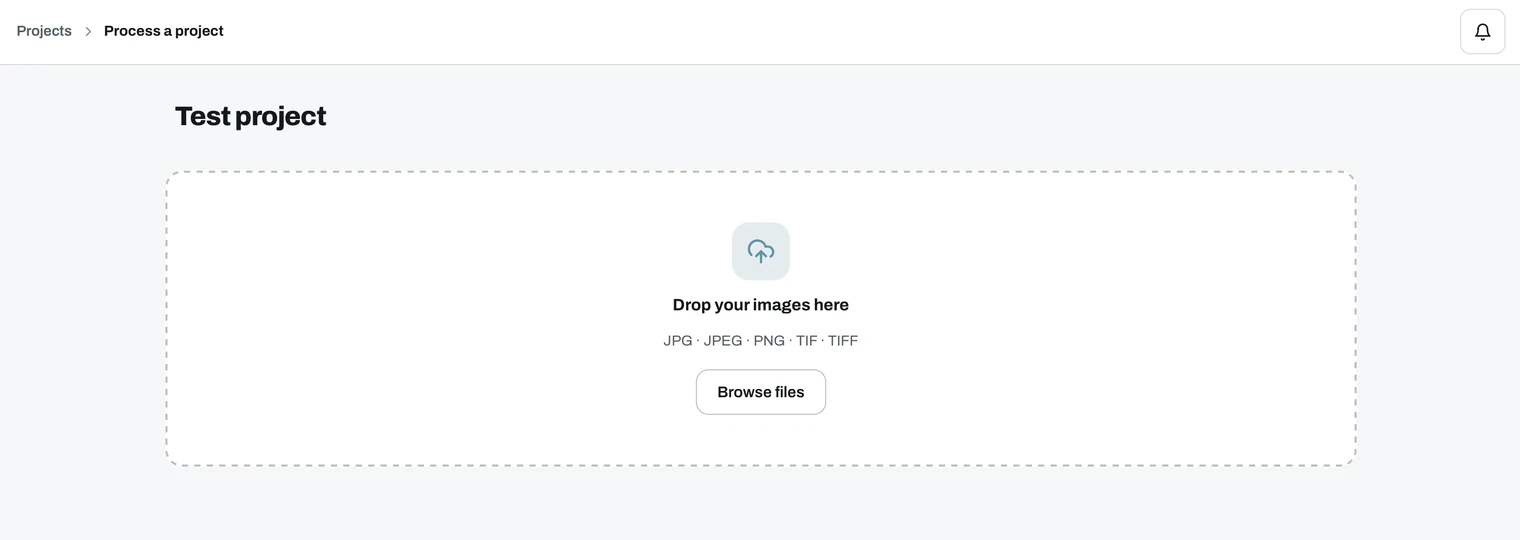
What works without an account
- Uploading your images. Drag and drop straight into the home page dropzone.
- The automatic quality check. GPS, altitude, camera, timestamp and gimbal pitch, plus overlap, GSD and covered area, all reported before the upload starts. See quality check.
What needs an account
- Starting the processing job. Register before the job can run.
- Everything after it. Results, the online GIS viewer, downloads and sharing all live in your account.
Registering takes an email address and a password, and every new account starts on the Free plan. See accounts and plans.
Nothing is lost when you register
Register in the same browser session and the project you started moves into your dashboard, with the uploaded images and the check results intact. You can start the job straight away, with nothing to upload again.
Warning
An unregistered project is tied to your browser session. Lose the session and the upload is gone.