Post-processing modules
Modules add a specialised analysis step to a project that has already finished processing. They use the project's existing outputs, so you do not need to upload the images or process the whole dataset again.
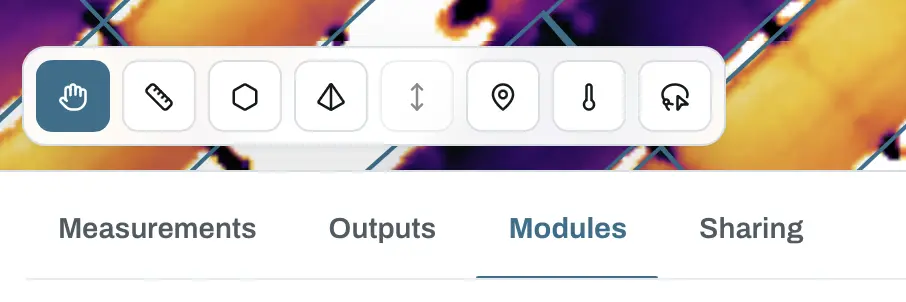
Open a finished project in the viewer and select Modules below the map. Each available module shows what it needs, whether the project is compatible and the state of its latest run.
How modules work
- Finish processing the project and open it in the viewer.
- Select the Modules tab.
- Start a compatible module separately from the original processing job.
- Review its results as overlays on the relevant map layers.
- Correct the result where needed, download it or include it in a PDF report.
Module runs have their own progress and results. Running one does not replace the orthomosaic, thermal map or any other project output.
Available module
Solar Inspect automatically detects photovoltaic panels on an RGB orthomosaic, analyses their radiometric thermal data and flags panels that need attention. Detected panels appear on both the RGB and thermal layers, where you can inspect, correct and classify them.
Solar Inspect requires a finished project with an orthomosaic and a radiometric thermal map. It is available on the Pro plan.
A module result supports inspection; it does not replace an electrical test or a qualified on-site diagnosis.