Settings
Open Settings from the app sidebar. Everything about your account lives on one screen.
Profile
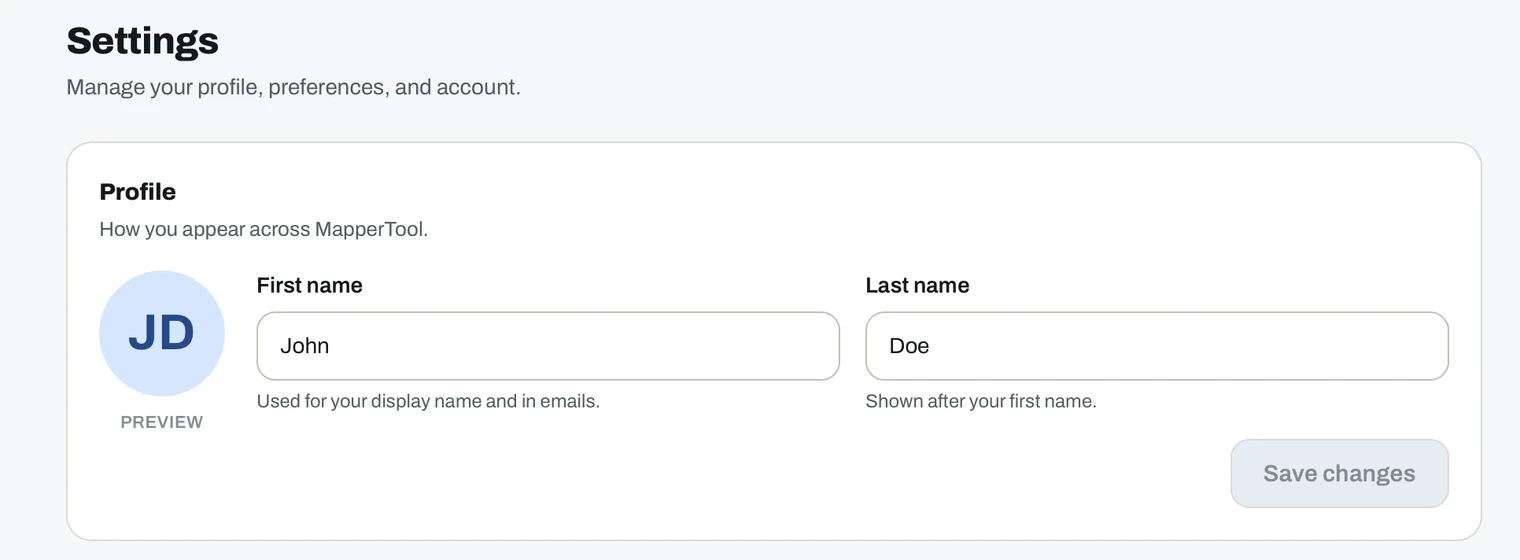
Your first and last name, plus your profile picture. Click the avatar to upload one. Until you do, MapperTool generates a monogram from your initials, and the preview next to the name fields shows what other people will see.
The name also appears in emails MapperTool sends on your behalf.
Preferences
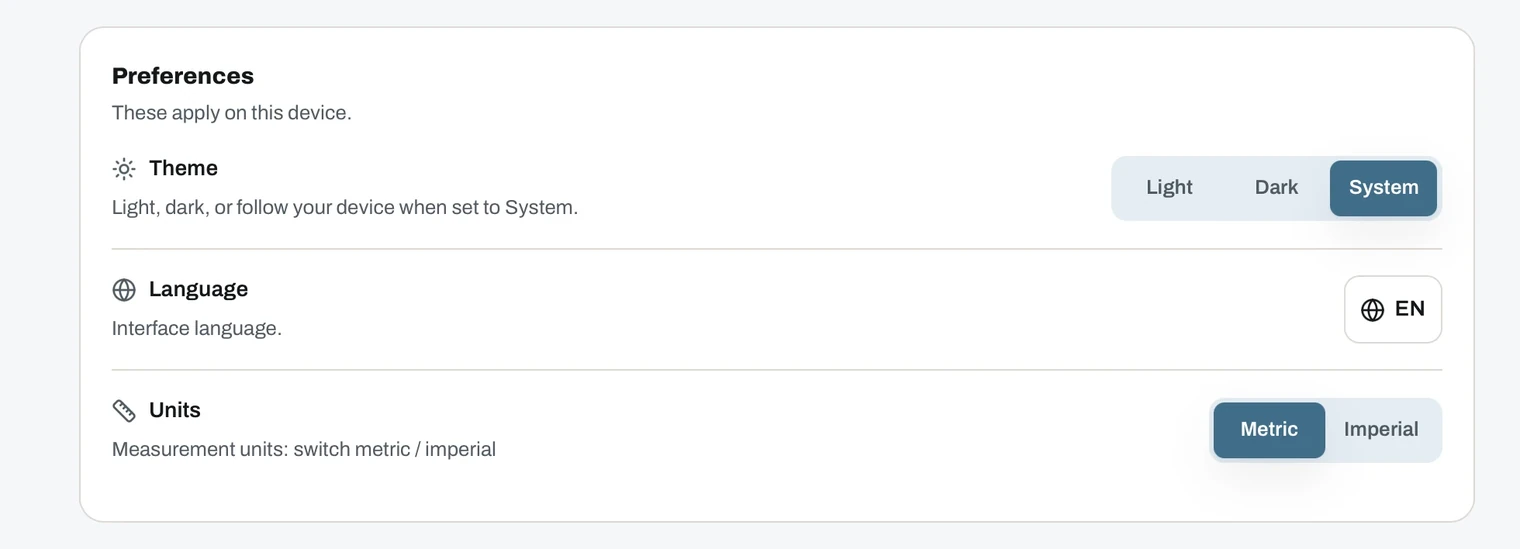
These apply on the device you are using.
- Theme. Light, Dark, or System to follow your operating system.
- Language. The interface language.
- Units. Metric or Imperial. Every distance, area and height reading in the viewer follows it, and switching re-displays existing measurements without redrawing them.
Notifications
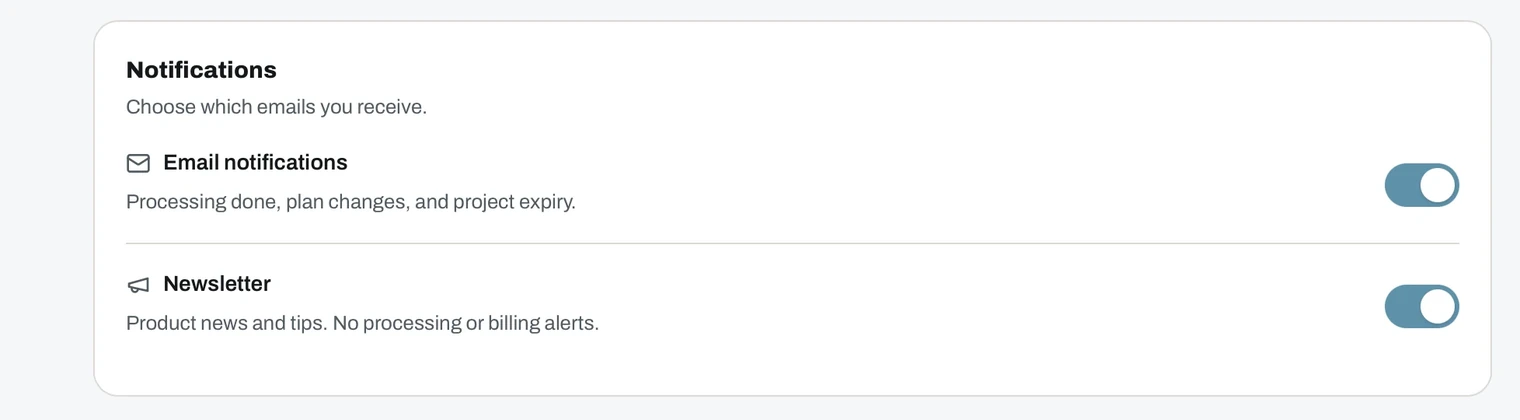
Two switches, controlled separately.
- Email notifications. Processing done, plan changes and project expiry. Worth keeping on.
- Newsletter. Product news and tips. Turning it off does not affect processing or billing emails.
In-app notifications always appear under the bell in the top bar, regardless of these settings. See dashboard.
Account
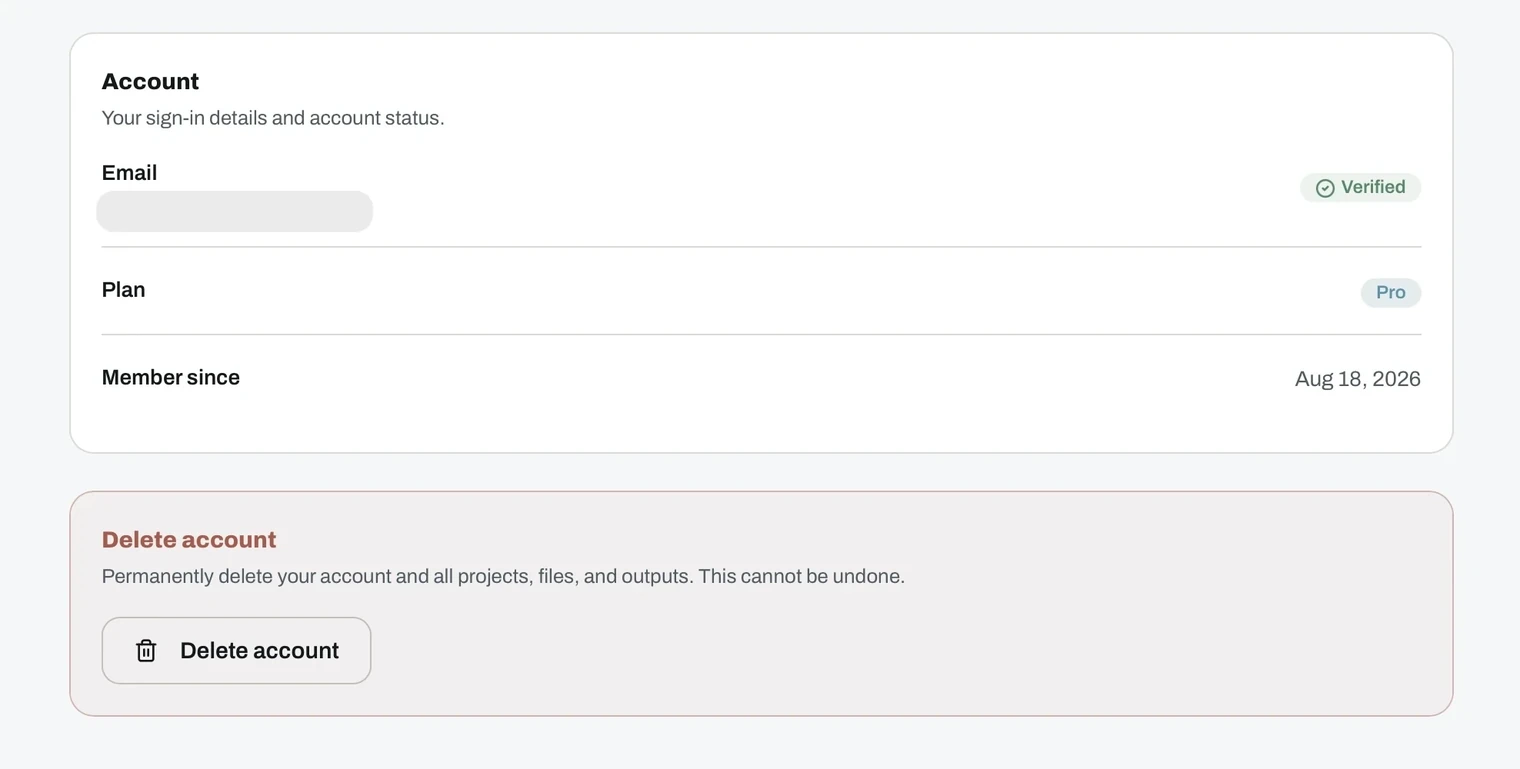
- Your email address, with a verified badge.
- Your current plan. Change it under Billing.
- Member since, the date you registered.
Signing out
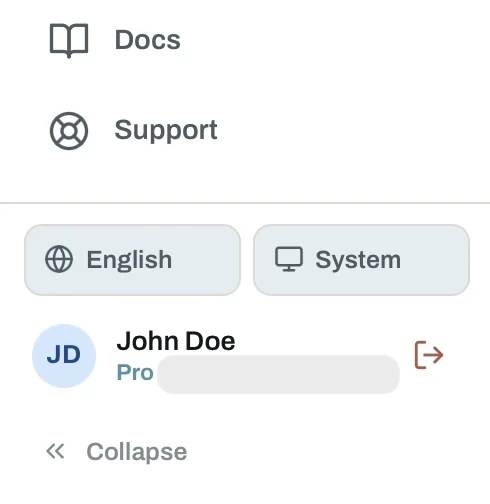
The bottom of the sidebar carries quick links to the Docs and Support, shortcuts for language and theme, and your user card with the sign-out button.
Collapse narrows the sidebar to icons when you want more room for the content.
Deleting your account
You can delete your account from the bottom of the settings screen. It removes your account along with every project, file and output.
Account deletion cannot be undone. Download anything you still need first.